
Your well-being
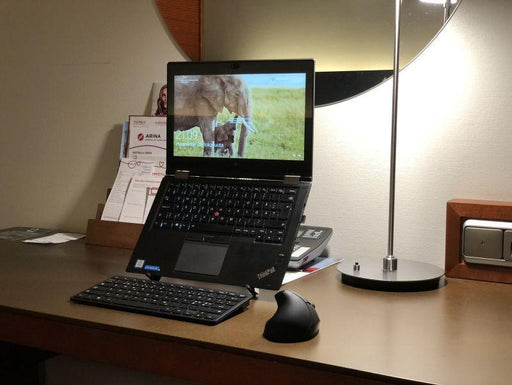
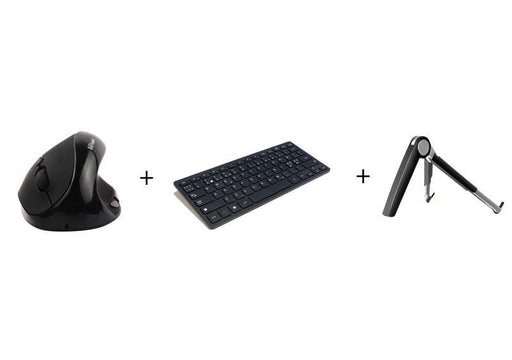
Improve the ergonomics of laptop working by lifting the screen higher and using a separate vertical mouse and mini-keyboard. Working with a laptop ...
View full details

The product will arrive at our warehouse on 10/2025Stoo® chair mat – protection for floors and carpetsThe Stoo® chair mat is an eco-friendly and ...
View full details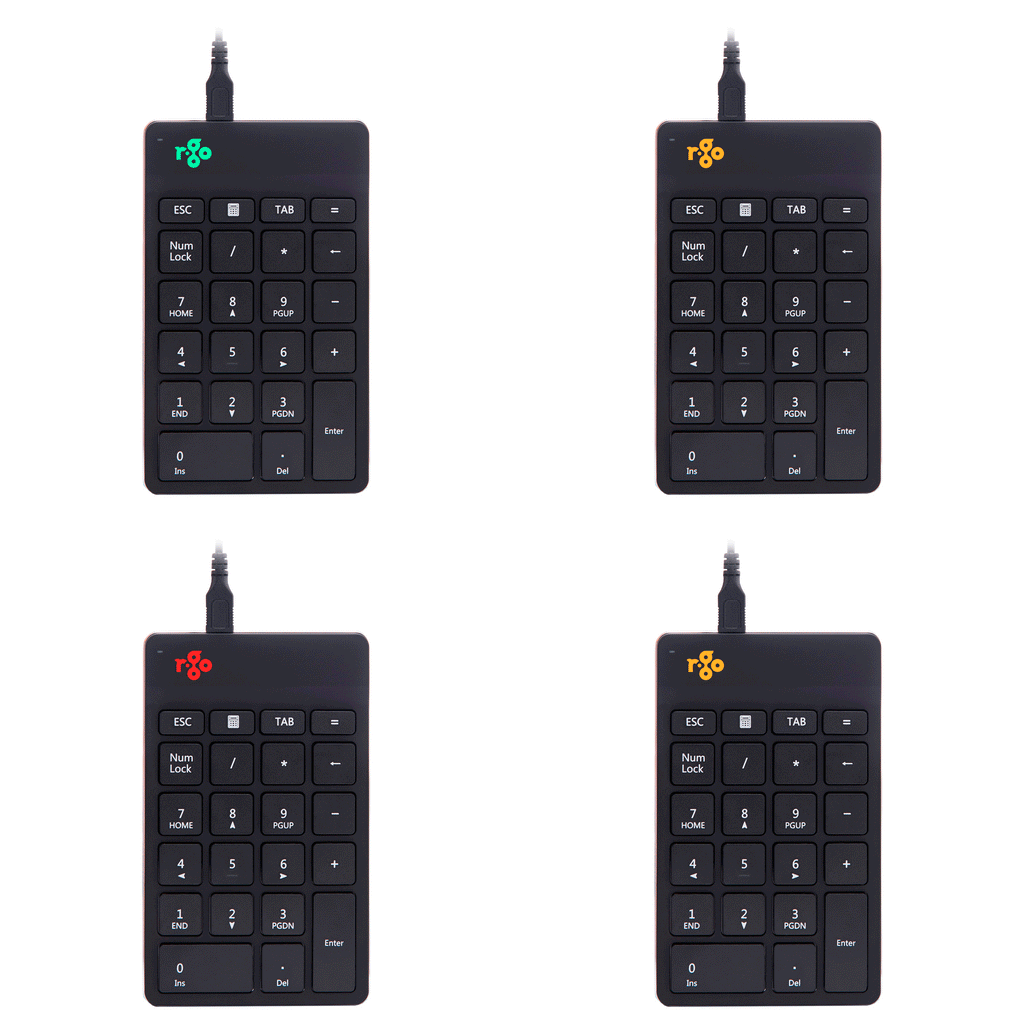
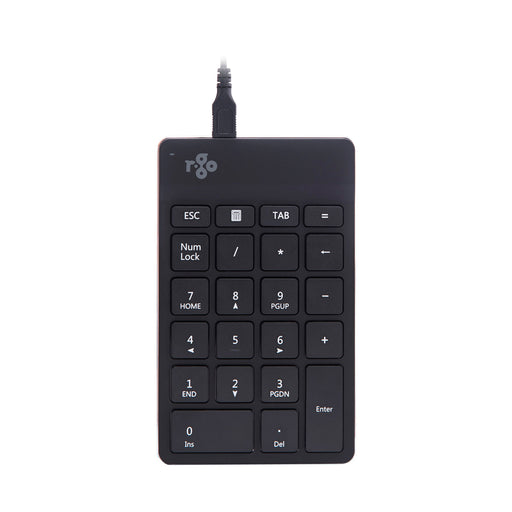
Experience maximum freedom while typing with the R-Go Numpad Break. You can operate this numeric keyboard with your left or right hand and choose w...
View full details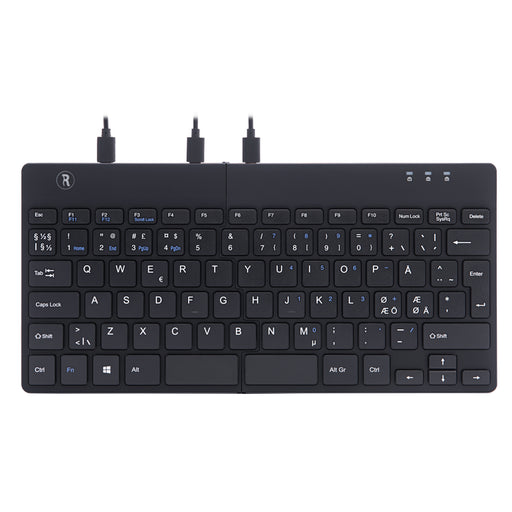
 Sold out
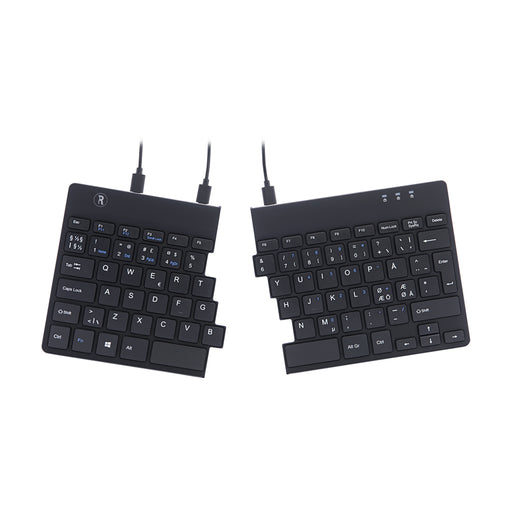
2 parts for maximum freedomWith break indicatorUltra thin for better blood circulationLight keystroke for minimum muscle tensionEasy to take wi...
View full details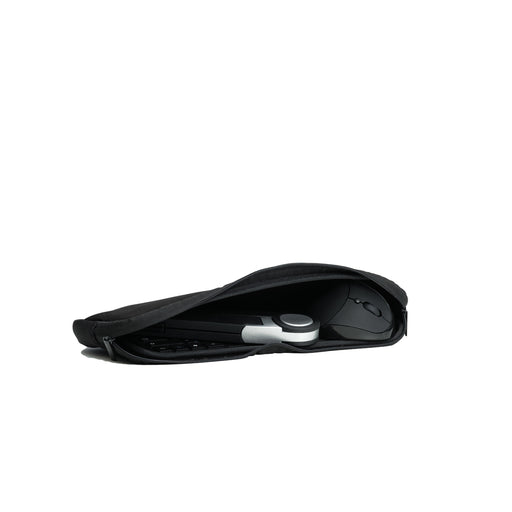
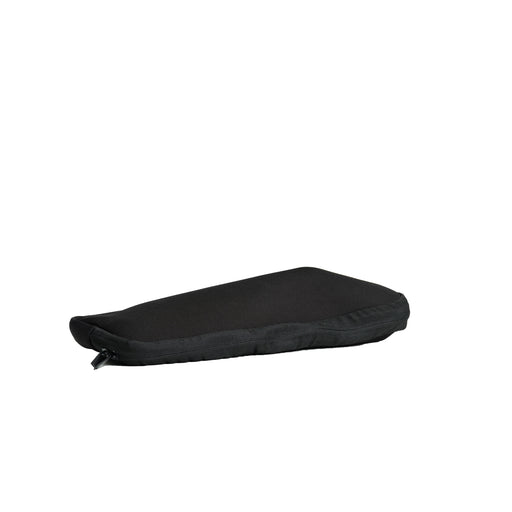
A small and convenient bag that carries a 6D mini vertical mouse, a Stoo® mini keyboard and a Spider laptop stand, other similar computer accessori...
View full detailsVertical mice offer a good alternative to a center mouse when it comes to ergonomic mouse working. The vertical mouse provides a neutral, relaxed position for the hand and wrist. When the wrist is in its natural position, the blood circulates properly and the movements do not strain the hand in the same way as a traditional computer mouse. Vertical mice are generally believed to be more suitable for accurate mouse work than center mice, while providing an ergonomic position for the hand.
The use of an forearm support significantly reduces the pressure on the shoulders and neck. Sit or stand near a table. Work your arms close to your body centrally relative to the keyboard. Work your hands as flat as possible to prevent RSI (Repetitive strain injury).
| Item | Price | Qty | Total | |
|---|---|---|---|---|
| Subtotal |
€0,00 |
|||
| Shipping | ||||
| Total | ||||